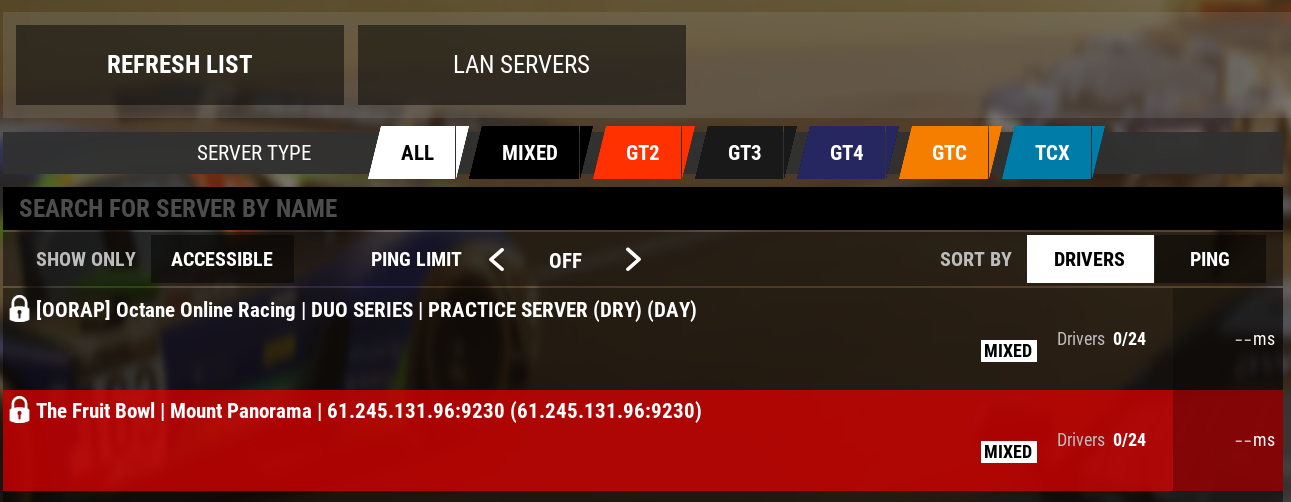
1
Run ACC Connector
Open the app after install.
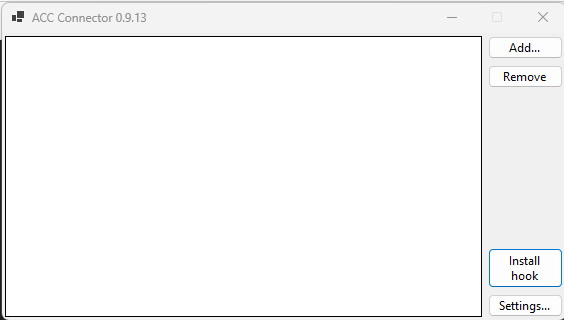

When the ACC server browser is down, live Fruit Bowl lobbies may not appear in search. ACC Connector lets you join using a direct connection instead.

Open the app after install.
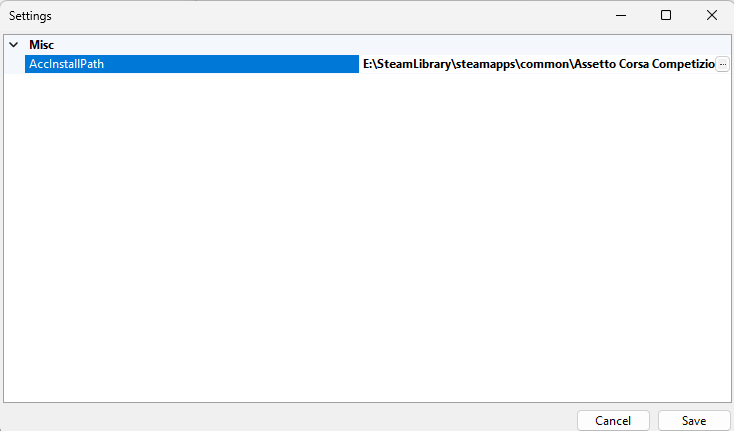
Confirm the ACC install path is correct, then click Save.
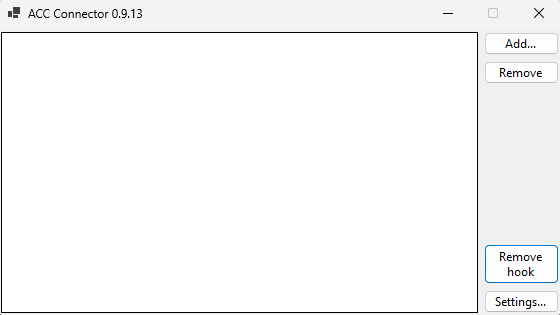
Click Install hook so it changes to Remove hook.
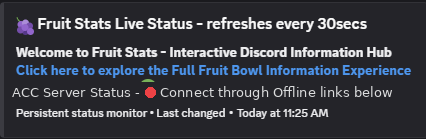
If ACC lobby server is offline, you will see this message in Discord.
If there are still servers showing in Live Drivers and Fruit Bowl servers can be found, you can still connect to the Fruit Bowl servers through ACC Connector.
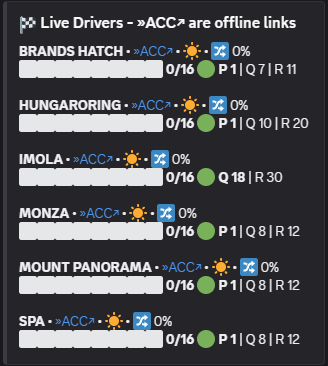
In the Live Drivers section, click the ACC Connector link of the server you wish to join.
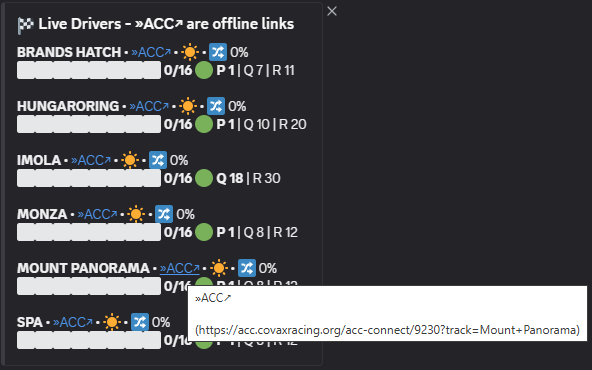
If you receive these warnings once clicked, you can tick the trust or always allow option to stop them showing again before continuing.
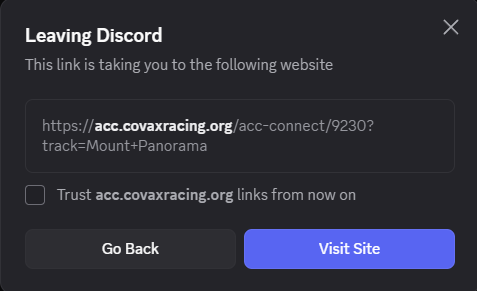
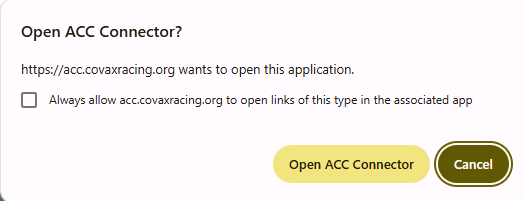
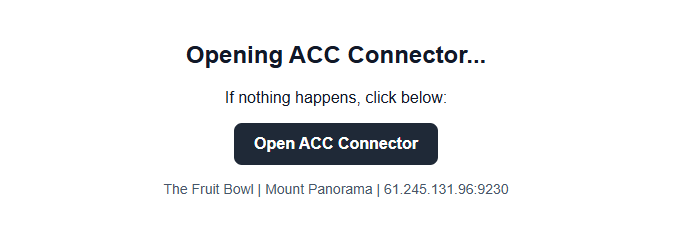
Click the Open ACC Connector button to send the server details to ACC Connector and display them there.
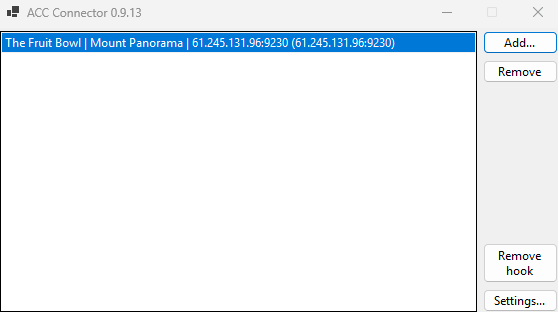
Open ACC and head to the multiplayer server browser. Let it attempt to connect, error, and show no results. Then click LAN Servers to bring up your saved ACC Connector servers and join as usual.